Task Planner Software
Plan & Manage Tasks
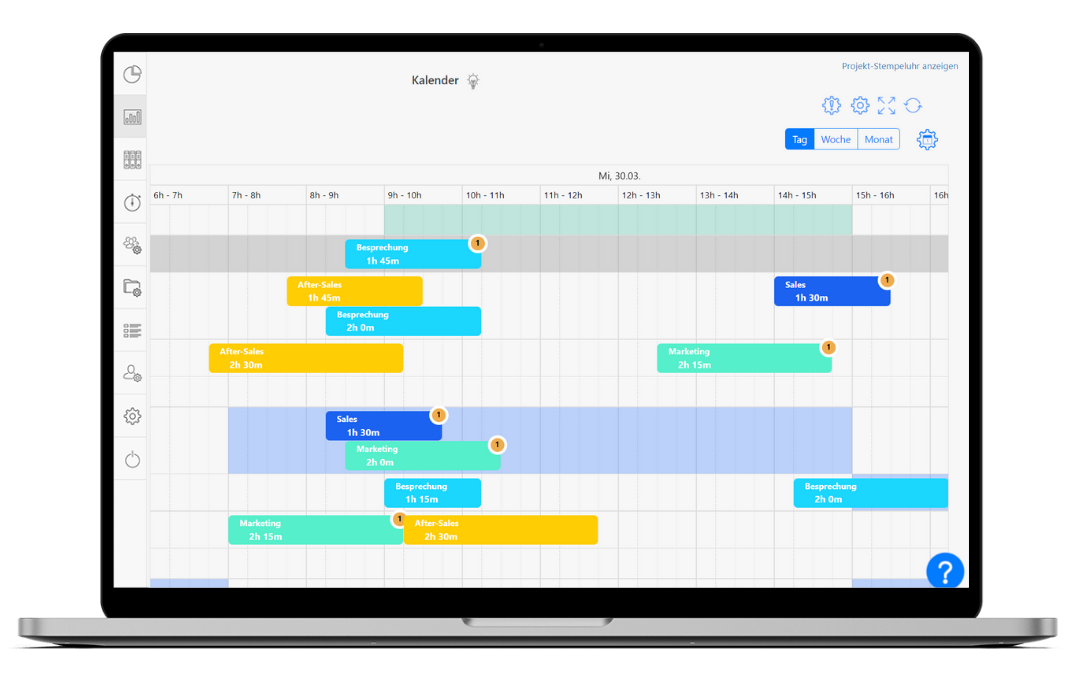
 Simple & intuitive interface
Assign & track tasks
Automatic conflict warnings
Clear calendar view
Flexible permission levels


Simple & intuitive interface
Assign & track tasks
Automatic conflict warnings
Clear calendar view
Flexible permission levels






Unclear task allocation costs companies valuable time every day. With TimeTrack’s task planner, managers and HR teams plan, assign and track all internal tasks in a central calendar view – for teams of 50+, on web, iOS and Android.
Benefits
Plan tasks in one click
Select an employee, set the timeframe, create the task – done in seconds.
Reuse task plans
Copy plans from previous weeks with one click – ideal for recurring internal workflows.
Automatic warnings
TimeTrack detects conflicts and overlaps – and warns you automatically before errors occur.
Flexible permission levels
Decide who sees which tasks – granular permissions for admins, HR and employees.
Customise calendar & view
Columns, rows, client and project display fully configurable – only what you need in view.
Web, iOS & Android
Plan and view tasks from anywhere – whether in the office, on the road or in the field.
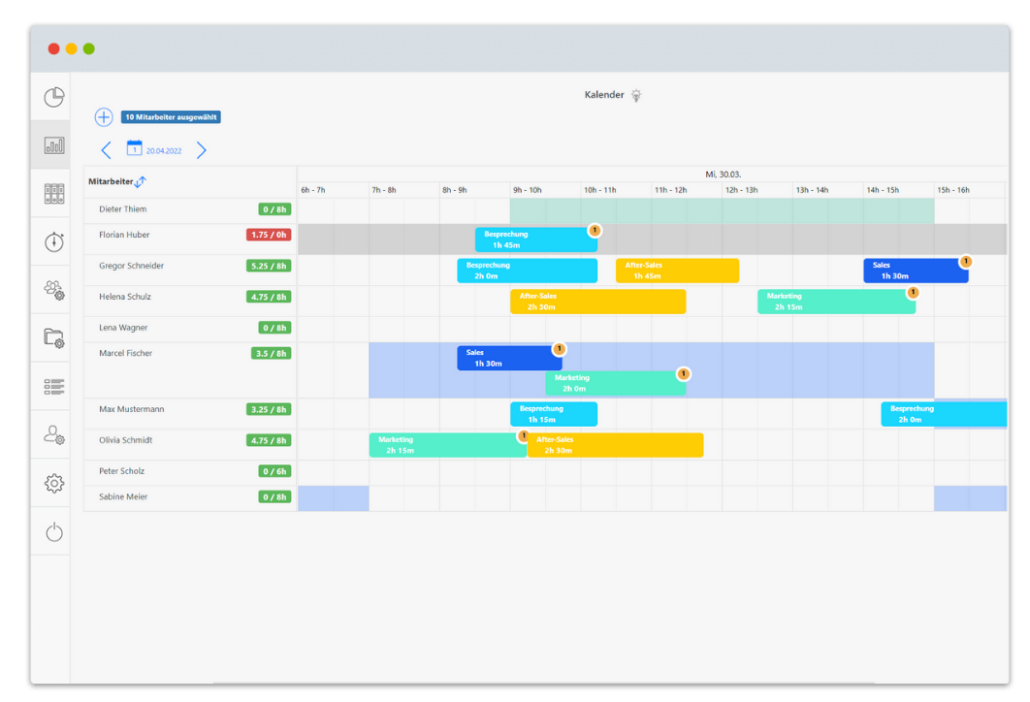
TimeTrack’s task planner lets you create and assign tasks for your employees in just a few clicks. Using the clear calendar view and admin permissions, you define the time, duration and responsible person for each task – so you plan, manage and track tasks efficiently, increasing transparency across your organisation. across the organisation.
TimeTrack’s task planner is available as a web app as well as on iOS and Android – accessible from anywhere, whether in the office or on the go.
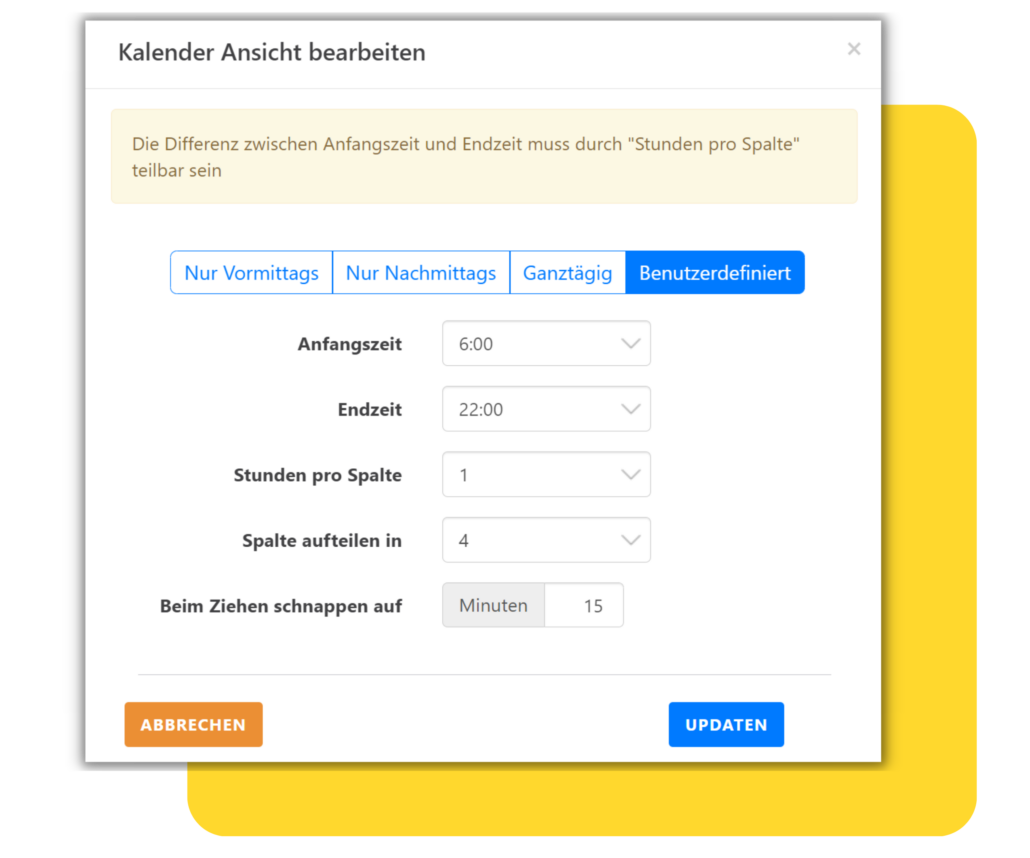
With TimeTrack’s task planner, you can easily customise the display to match your preferences. Adjust the number of columns or rows in just a few clicks, and show or hide information such as clients and projects as needed – so you always see exactly what matters to your planning.
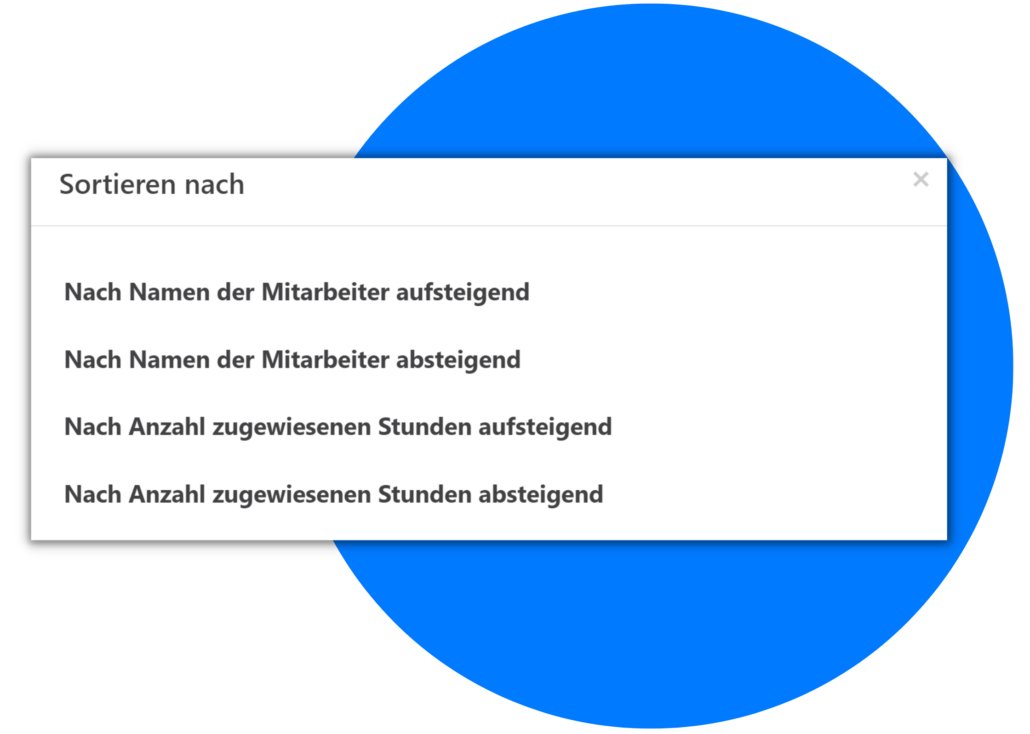
TimeTrack’s task planner puts clarity first. You decide how tasks are sorted and, thanks to flexible permission levels, which tasks each employee can see – reducing confusion and boosting efficiency.
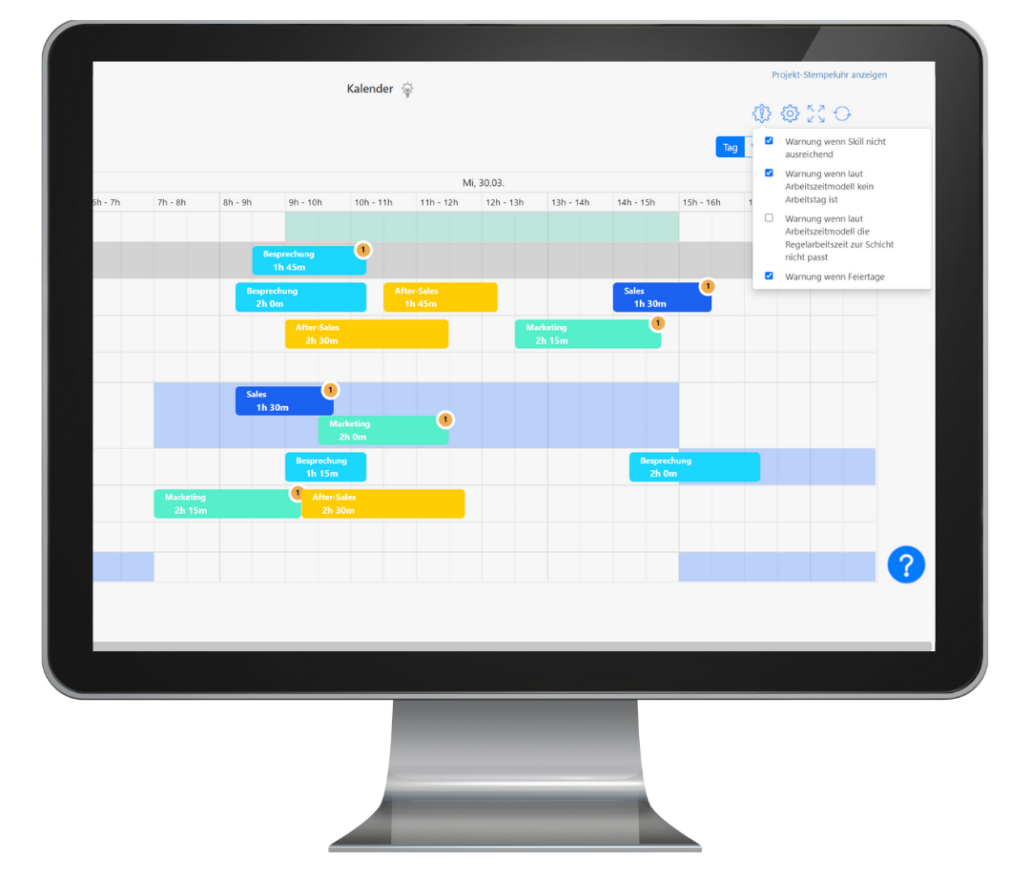
TimeTrack helps you keep your planning error-free. If you assign a task to an unqualified or absent employee, you automatically receive a warning. These warnings can also be set to restrict assignments if needed.
These warnings save you time when reviewing your task planner, as TimeTrack handles the checks for you.