Attendance Tracking Software for Businesses
Time is money. We help you get more of it.


Accurate Time Keeping
Customized Timesheets
Detailed Reports
Payroll Integrations




Record working hours and manage employees
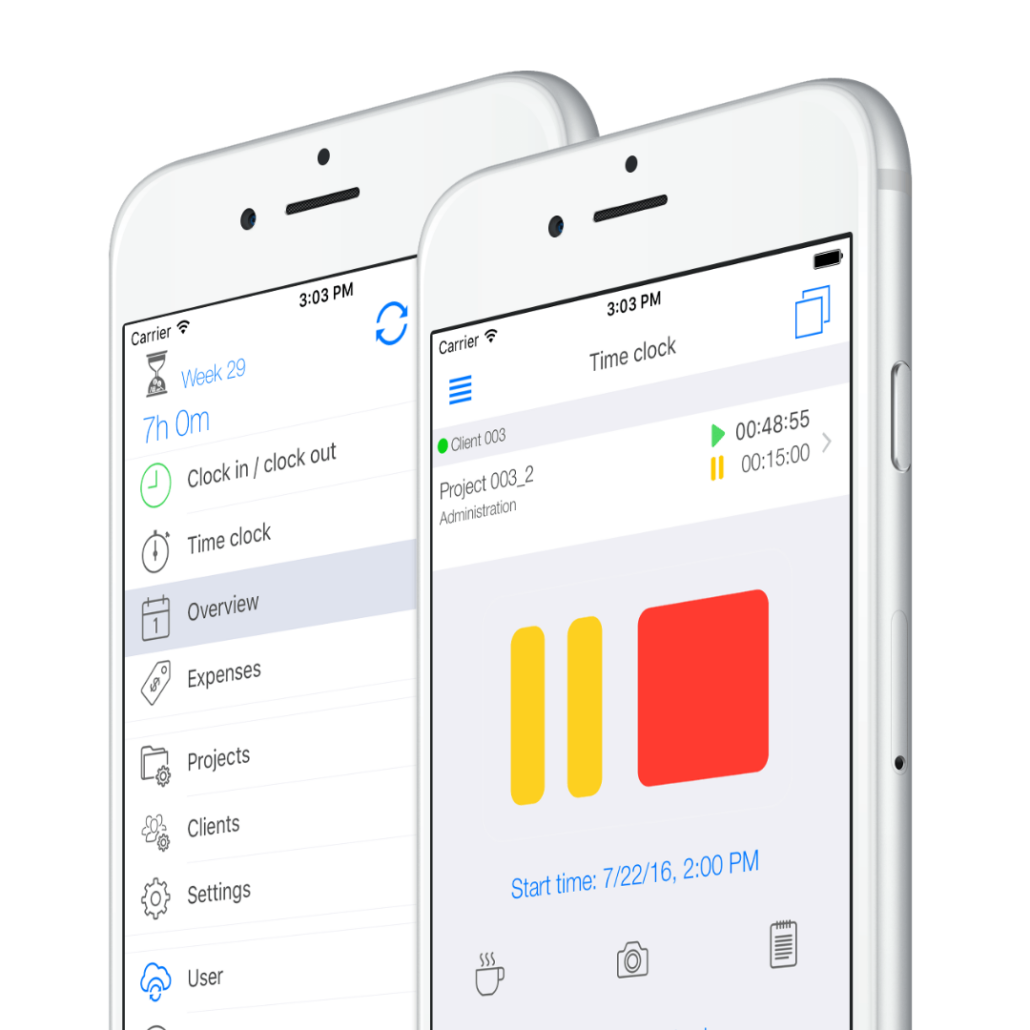
TimeTrack’s ensures your business is tracking time correctly. Employees simply clock in and out via TimeTrack, and our software creates a digital timesheet.
We make time tracking simple and flexible: with our convenient mobile app you can log your working hours no matter where you are.
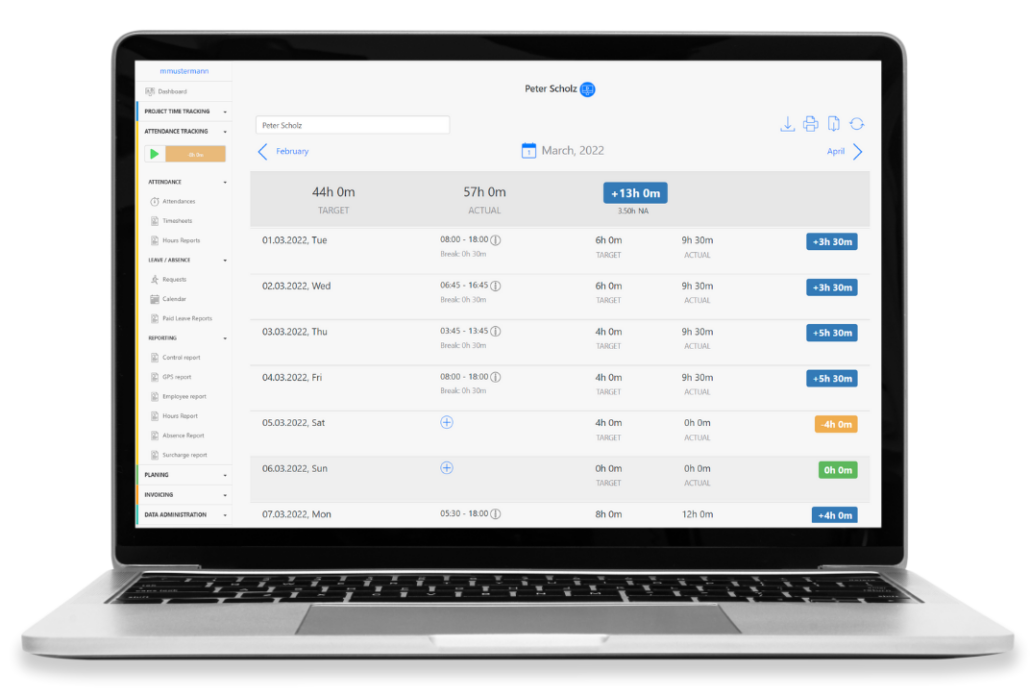
Keep track of attendances, overtime and breaks
TimeTrack creates automatic timesheets so that you have the perfect overview. See who’s on shift, who’s on break and who’s working late. Manage employees easier and get a better overview of what is going on in your organization.
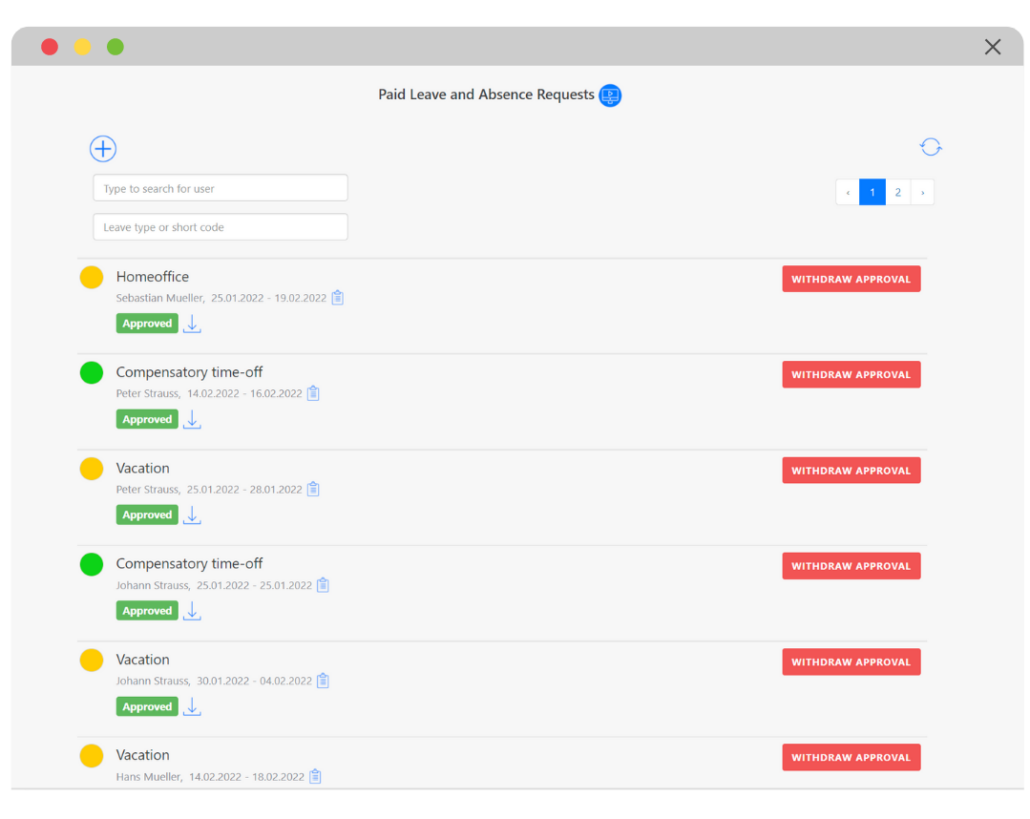
Manage sick days, vacation requests and see availabilities digitally
Keep track of time off in real-time. Employees simply request time off and you can approve or reject the vacation with just one click. We make time off management simple.
It can be challenging to keep up with your team’s availabilities, especially during holiday or flu season. Our time off calendar highlights employee availability to make employee or project scheduling easier.
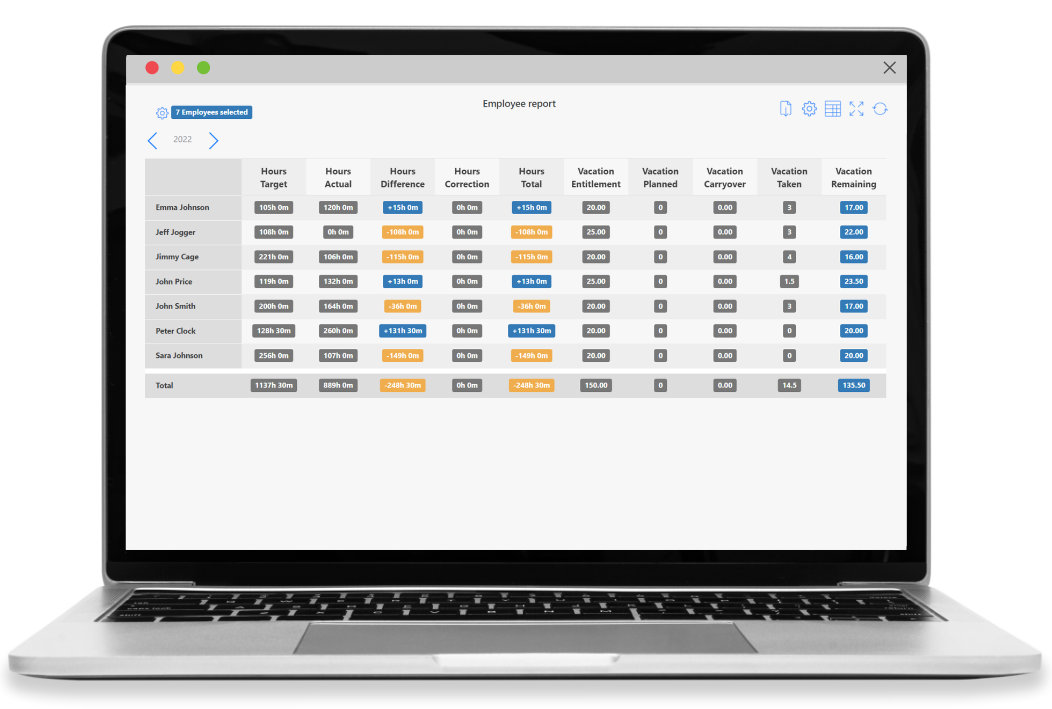
Keep up with working hours, overtime and individual time off information
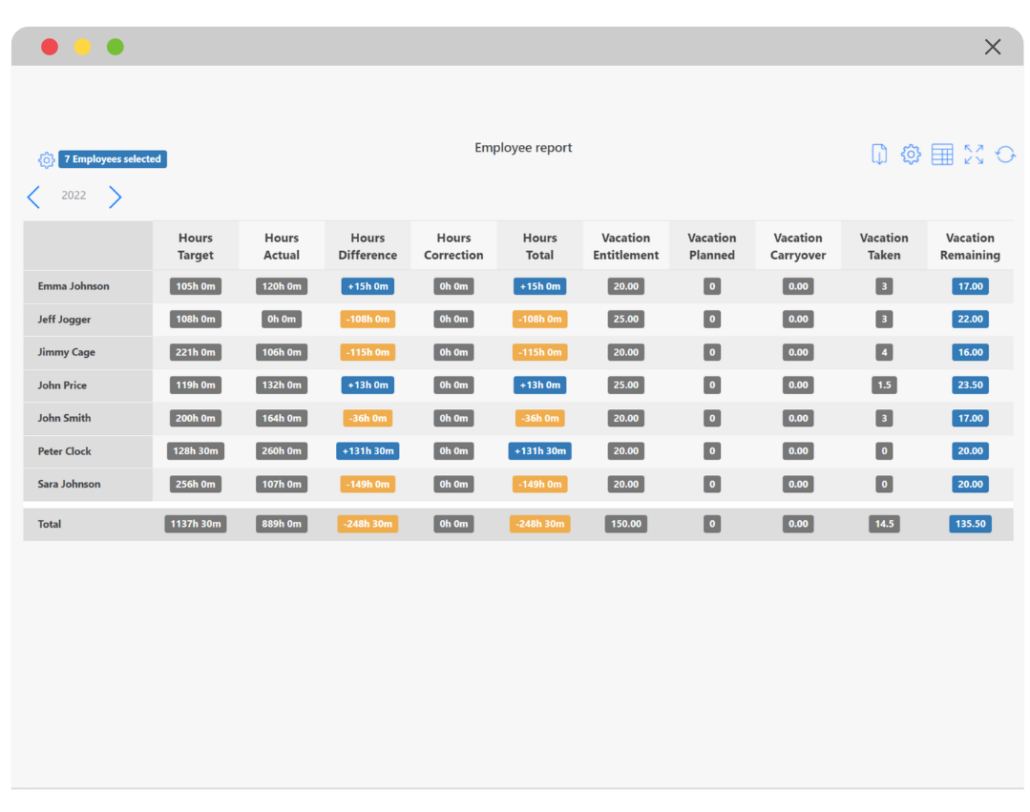
We make sure your company has a clear overview of the working hours as well as the overtime of specific employees. You can also see how much time off employees have request or have left.
Our employee report has flexible filters, so that you can blend in the information that is relevant to your organization.
Track time as employees are on the go
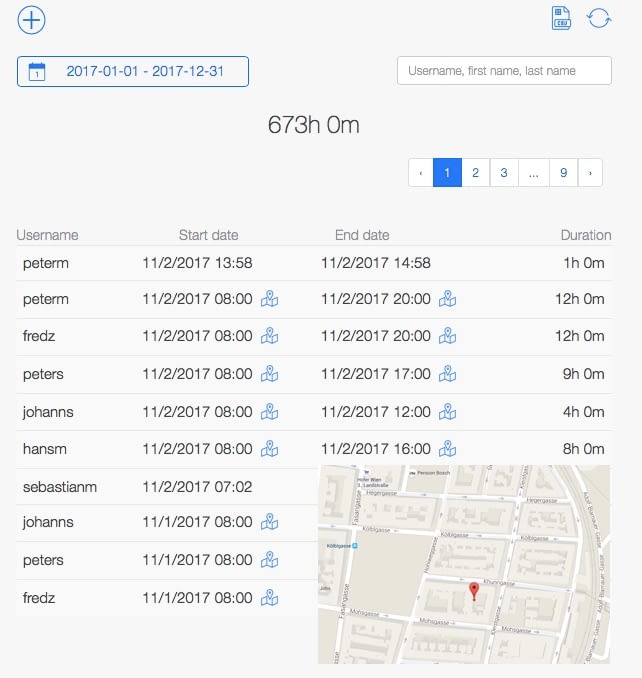
With TimeTrack, employees can clock in and out from any device, no matter where they are. We make sure you always know where your employees are using GPS and geofencing. Track time for jobs, projects, clients, and more – our Cloud synchronizes information within seconds.
 Hansa-Projekt GmbH
Craft Industry / 150 Employees / Hamburg, Germany
„We were looking for an attendance tracking solution that would allow our technicians to record their working hours, especially while on the road. TimeTrack offers a great added value here: employees can clock in and out easily, independently and directly on site.
Achim Middeldorf, CEO
per user / month, paid annually
for simple attendance tracking
Contact usper user / month, paid annually
for an efficient project execution
Contact usper user / month, paid annually
for quick project billing
Contact usHow do I set that my breaks are automatically deducted?
Contact the admin as he has the authorisation to activate this function. The admin needs to go to the settings of break regulations. Once he has activated the automated break deduction option, the admin needs to add that break regulation to the user’s working time model.
Can I allocate my working hours to different tasks?
Yes. However, we would like to point out that in the section attendance tracking, only the legal working hours of employees are recorded. If you want to track the time you spend on tasks, projects and clients you need to switch to the project time tracking section.
Where can I see overtime and surcharges?
You can see both in your timesheet. If you do not see any bonuses, check whether they have been added to your timesheet. The best thing to do is to contact the admin. The admin can add surcharges to your user profile. Most companies choose between 25%, 50%, 75% and 100%.
Can I limit my daily working hours?
The employer or admin determines the working hours regulation at the same time as the break regulation in the settings. You can then assign this regulation to each user so that no one exceeds the work limit.
Where can I see if employees take their breaks?
In the timesheets, just below their working hours. If someone has not kept their break, you will see a ” warning ” symbol next to their working hours.
Can I see my absences?
Yes. Actually, you can define several absence types to differentiate whether an employee is on vacation, sick leave or time compensation. Then, as soon as someone enters an absence in the system, the administrator receives a notification that the leave must be approved. As soon as it is accepted, the absence is automatically noted in the vacation or absence calendar so that everyone has access to the information.
Which absences types can I use?
The most common ones are vacation, sick leave, time off and maternity leave. However, you can add others manually if necessary.
Why is my remaining holiday from the previous year not automatically carried over into the next year?
The reason for this is that holiday carryovers must be entered manually. You can only do this if you have the user authorisation to do so. If this is not the case, it is best to contact the admin. He will be able to change this for you.
What is the difference between the holiday and absence calendar?
The main difference is that a user can only see the holidays of his colleagues in the holiday calendar. In the absence calendar, you can also see when someone is on sick leave or on time compensation.